
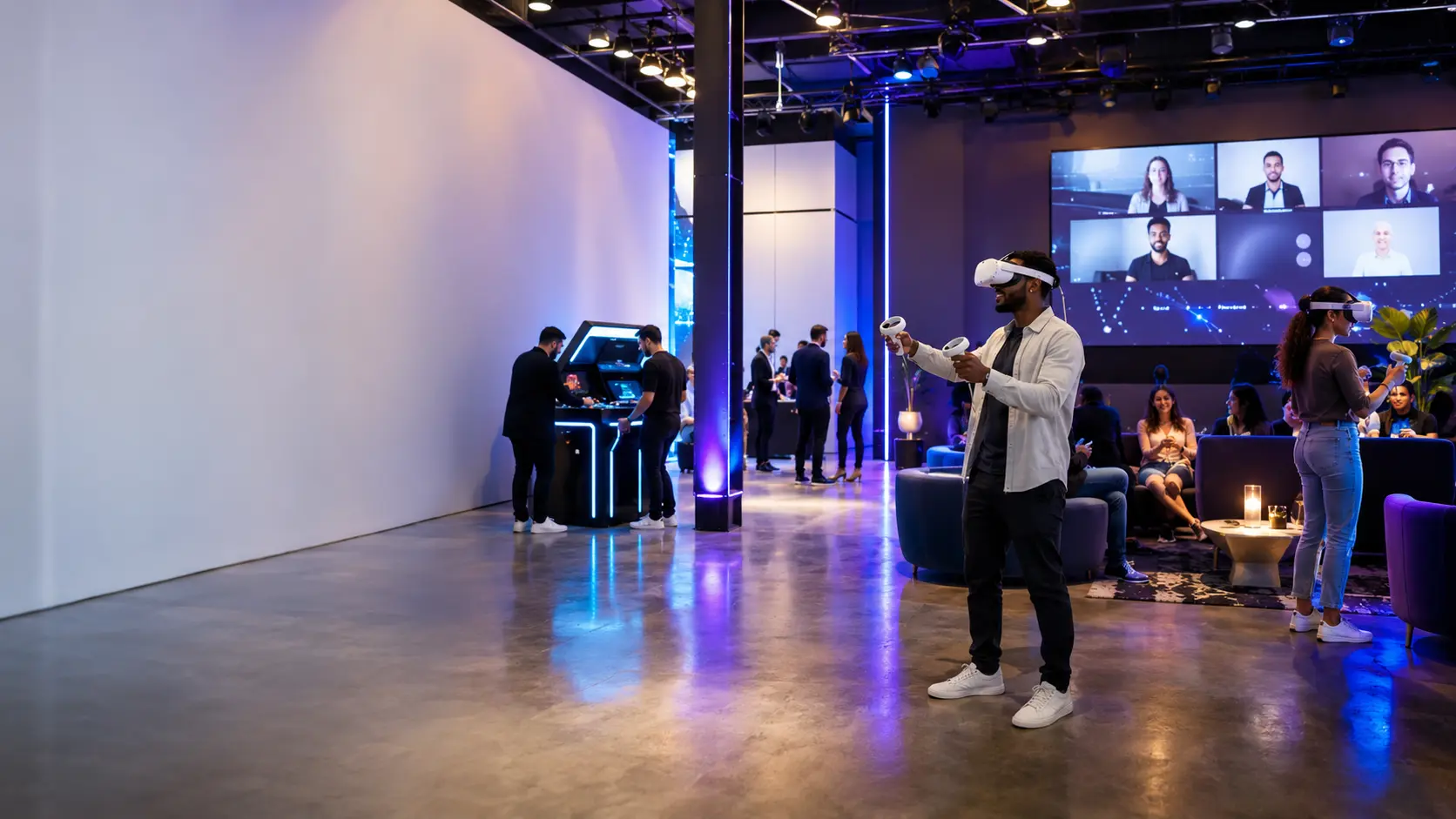
Hybrid & VR Event Experiences
Create a modern event experience with VR headsets, spectator screens, arcade side games, photo moments, and hybrid-friendly layouts that keep both in-person and remote guests engaged.
Quick answer: how to build this event
A strong hybrid or VR event needs more than headsets. Build a visible tech zone with staff-supported VR, a spectator screen, side games for waiting guests, a check-in flow, a photo or content station, and a plan for remote viewers, presenters, or branded moments.
Start with one visual anchor, add two to four fast-rotation activities, then place concessions, seating, and photo moments where they support the flow instead of creating bottlenecks. This gives Party Pros East Coast enough context to quote the right mix of rentals, staffing, delivery, setup, power needs, and timing.
Rental ideas for your event
These picks connect the search topic to real Party Pros categories and individual rental items, which helps the blog drive traffic toward quote-ready inventory instead of staying informational only.
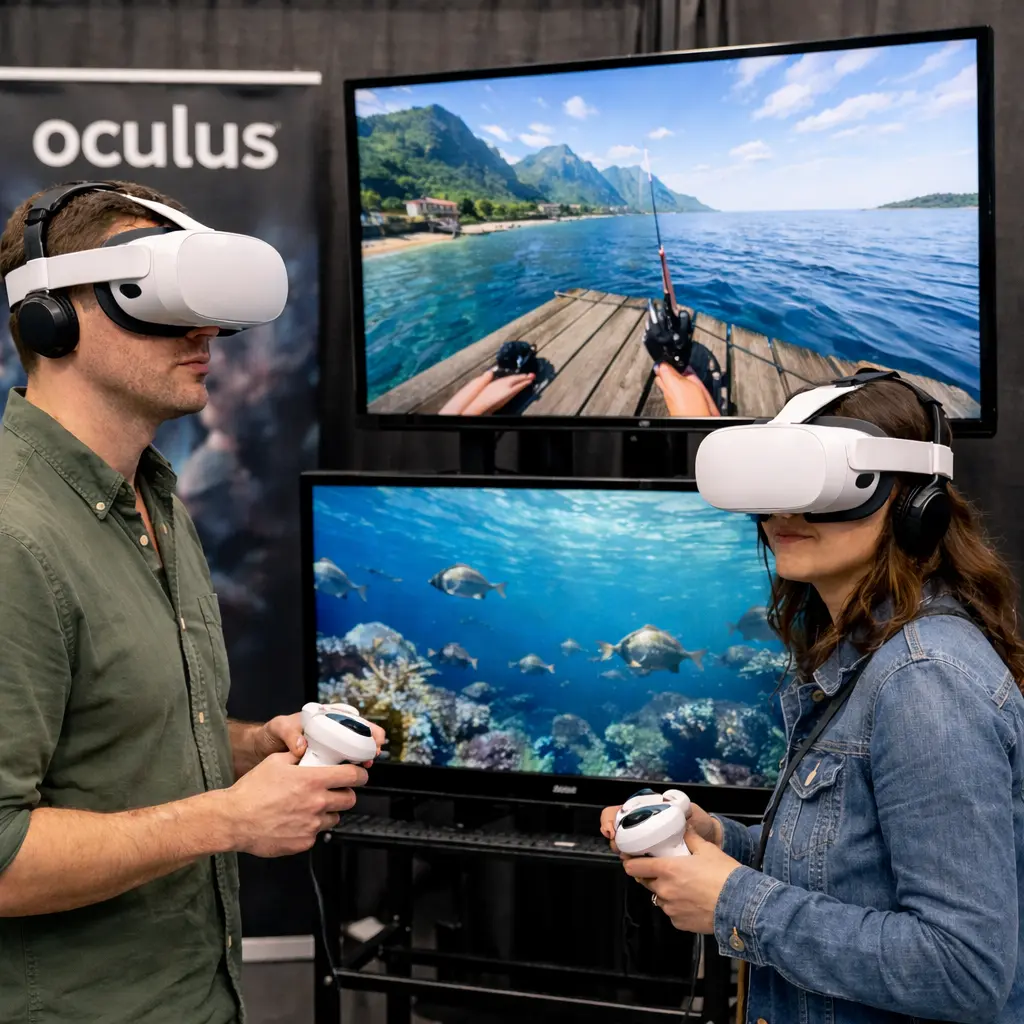
Virtual Reality Experience
Staff-supported VR gives guests an immersive attraction with headset rotation, game requests, and a visible tech-forward experience.
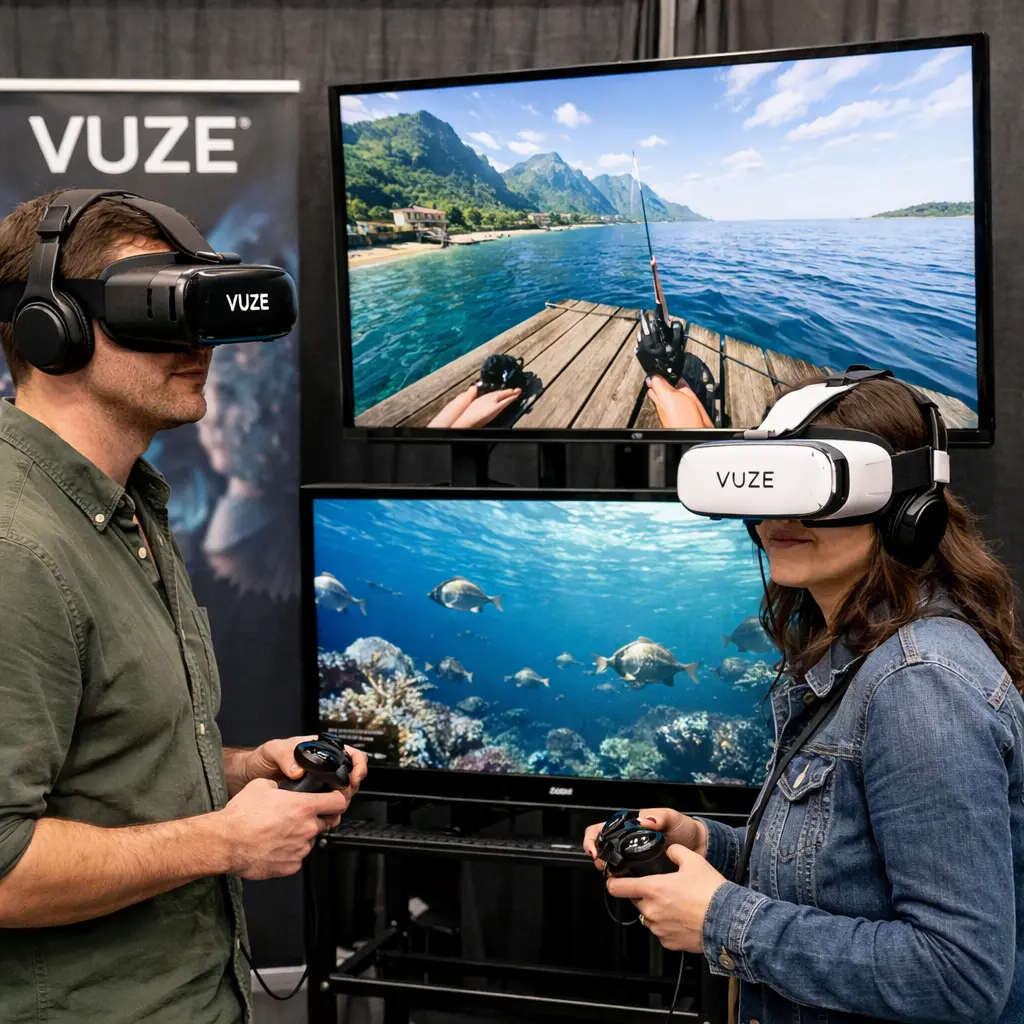
Vuze VR Headset Rental
A strong option for curated VR stations where guests rotate through immersive games and experiences with staff nearby.
Car Racing Simulators
A competitive simulator station that pairs naturally with VR and gives non-headset guests a high-energy tech activity.
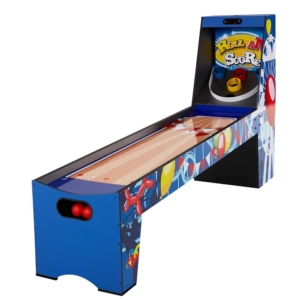
Skee Ball
A familiar arcade game that works as a waiting-area activity while guests rotate through VR sessions.
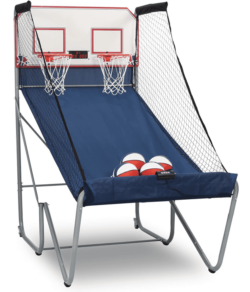
Pop-A-Shot
Compact head-to-head basketball competition that adds quick rounds, scores, and visible energy near the VR zone.
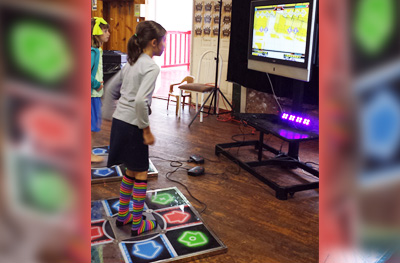
Dance Dance Revolution
A music-based game that creates motion, spectator energy, and a fun contrast to headset-based play.
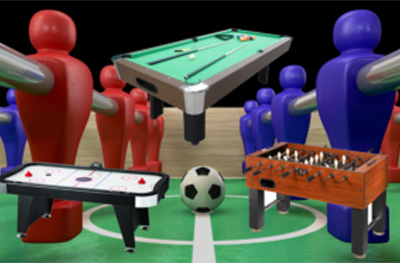
Table Games
Air hockey, foosball, and table games keep guests engaged between scheduled VR sessions and presentations.
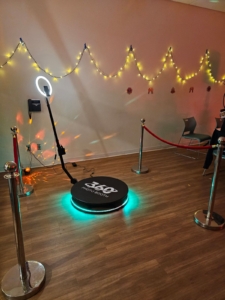
360 Photo Booth
Add a content station for branded clips, product-launch videos, campus recaps, or team celebration moments.
Game Show & Movie Rentals
Use a hosted game show or screen setup to connect remote guests, display scores, show sponsor content, or transition into evening programming.
Easy package ideas guests can quote fast
Use these as starting points. Each event can be adjusted for venue rules, guest age range, season, available space, staffing, power, and setup surface.
Best for company events
Corporate Innovation Lounge
A polished tech zone for employee appreciation, product launches, recruiting, and client mixers.
- Virtual Reality Experience
- Car Racing Simulators
- 360 Photo Booth
- Skee Ball
- Table Games
Best for colleges
Campus Tech Night Package
A high-energy mix for student centers, late-night programming, STEM nights, and orientation events.
- Vuze VR Headsets
- Dance Dance Revolution
- Pop-A-Shot
- Skee Ball
- Green Screen Studio
Best for mixed audiences
Hybrid Watch + Play Package
A layout that gives remote participants a screen moment while in-person guests enjoy quick-turn games.
- Game Show Mania
- Virtual Reality Experience
- 360 Photo Booth
- Table Games
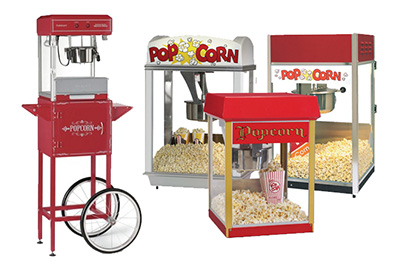
- Popcorn Machine
How to keep a VR event from becoming a line
Design the wait as part of the experience.
VR is high-impact, but headset turns need structure. Place Skee Ball, Pop-A-Shot, table games, or a photo booth close enough that guests can stay engaged while they wait.
Show spectators what is happening.
A screen, scoreboard, or host-led explanation helps VR feel like a shared attraction instead of a private headset activity. Spectator visibility is especially useful for trade shows, school programs, and corporate events.
Hybrid and VR event layout tips
Create a check-in and instruction point.
Guests should know how long sessions last, what games are available, where to wait, and what side activities are nearby.
Give VR a clean perimeter.
Headset users need supervised space, clear boundaries, and room for staff to help with controllers, fit, sanitizing, and turn rotation.
Add side games within sight.
Arcade games, table games, and photo booths turn waiting time into part of the event instead of a line problem.
Plan for power and screens early.
VR, simulators, arcade pieces, and hybrid display areas may require power, screen placement, cords, load-in access, and a rain or indoor backup plan.
Use photo and video as the exit moment.
A 360 booth or green screen station near the exit gives guests a final branded moment after they finish the tech zone.
Ready to build a quote?
Pick the rentals or package idea that fits your event, then send Party Pros East Coast your date, location, guest count, timing, and venue notes. The team can confirm availability, delivery, setup, staffing, and the right event flow.
FAQ
What rentals work best with VR?
Car racing simulators, Skee Ball, Pop-A-Shot, Dance Dance Revolution, table games, 360 photo booths, and game show or screen rentals pair well because they keep guests engaged between headset turns.
Can VR work for corporate events?
Yes. VR is a strong fit for innovation themes, trade shows, employee socials, product launches, client events, and team-building nights when the layout includes staffing, rotation, and side entertainment.
How do we make a hybrid event feel interactive?
Use a screen or hosted segment for remote participation, then give in-person guests tech zones, games, photo content, and timed rotations so the event does not become a passive broadcast.
What details should we send for a VR quote?
Send venue, date, event hours, guest count, age range, indoor/outdoor plan, power access, Wi-Fi availability if relevant, elevator or loading notes, and how many guests should rotate through VR per hour.