
The Event Edit · Party Pros East Coast
Holiday Party Venue Walkthrough: A Rental Fit and Load-In Checklist
Compare two holiday party venues with a walkthrough that follows your rentals from the loading entrance to the guest experience.
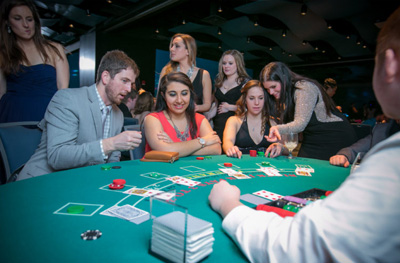
Make it your event
Start with a suggested package
Pick a combination that fits the experience you want, or choose individual rentals below. Your quote will confirm the details for your date and venue.
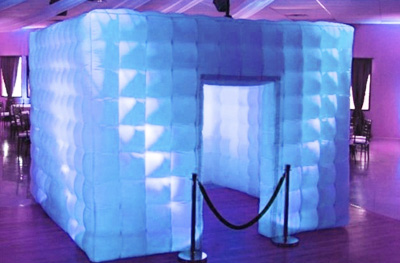
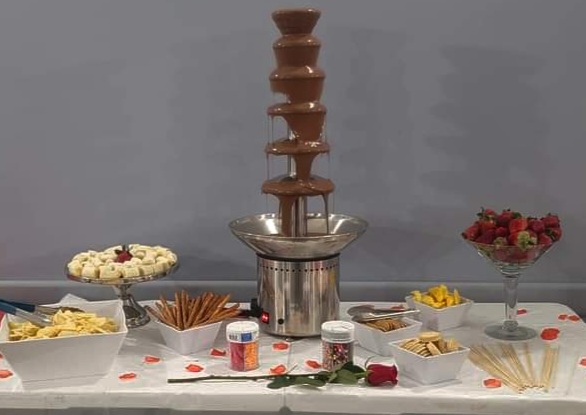
Reception walkthrough shortlist
Use table play, photos and a dessert station as a consistent shortlist when comparing venues. Record the same access and layout questions at each visit.
Adds this suggested combination as one package request. Final items, setup, availability and price are confirmed in your quote.
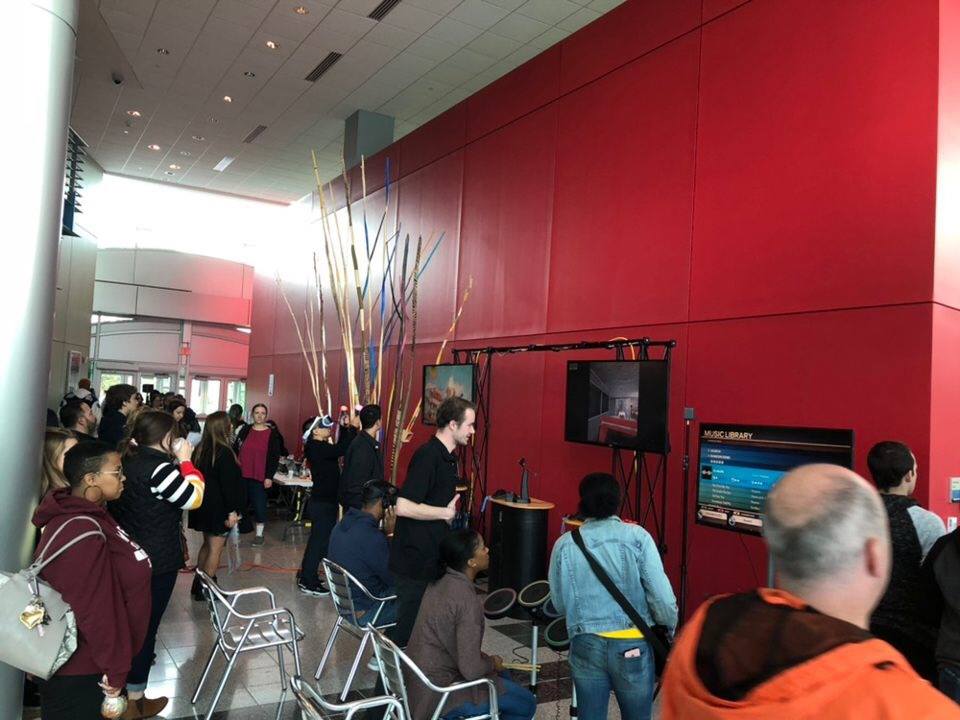
Games and announcements shortlist
Compare arcade play, a group game and any separately needed sound setup. Ask each venue how the complete program would operate in its room.
Adds this suggested combination as one package request. Final items, setup, availability and price are confirmed in your quote.
Two venues can look equally attractive in photographs and create very different event days. One may have a generous reception room but a difficult equipment route. Another may offer straightforward delivery yet leave little space for a photo queue or quiet conversation. Before choosing a 2026 holiday party location, walk both venues with the same rental-focused checklist. Compare the complete setup and guest experience, then ask the rental team to confirm which option supports your plans.
Choose a holiday venue after checking the equipment route, operating layout, and access schedule together. A repeatable walkthrough makes two attractive rooms easier to compare.
Bring a short activity brief to both visits
Start with the same working brief for each venue: expected attendance, event hours, meal format, and the activities you are considering. For example, you might want Blackjack as a social activity, an Inflatable LED Photo Booth for photographs, and a Multi-Game Arcade Station for optional games. These are catalog options to discuss, not a package that automatically fits every room.
Ask Party Pros for the current equipment and operating-space information needed to evaluate the venues. Bring that information, a floor plan, and your event timetable to the walkthrough. If specifications are still being confirmed, label them as open questions rather than substituting dimensions from an unrelated internet example.
Follow the equipment route before admiring the room
Begin where the delivery vehicle would stop. Walk the exact route equipment would take, including any service entrance, hallway, turn, lift, or floor transition. Photograph the route with venue permission and record measurements requested by the rental provider. A wide ballroom entrance does not resolve a narrow doorway farther back.
Ask who reserves the loading space and elevator, whether other suppliers share them, and when access begins. Note any credentials, parking arrangements, floor-protection requirements, or staff escort needed. Identify a staging area where equipment can wait without blocking staff or guests. The venue contact should confirm this route is available on your date, not just during the tour.
Trace the route for the actual rentals
Use these options to make the venue walkthrough concrete. Send access photos and measurements to the provider so the full delivery route can be reviewed.
Evaluate the room as an operating event
Place the proposed activities on the floor plan with their working space, not just the equipment outline. Include players, spectators, photo waiting, staff positions, and an exit from each activity. Add dining furniture in its real configuration, including the space people need when chairs are occupied.
Ask the venue to identify suitable electrical supply and any restrictions, then have the provider review the requirements of the confirmed equipment. Mark approved cable routes and ask who handles any necessary protection. Locate conversation seating where guests can hear one another. A separate room may help, but only if it is included in your booking and guests can find it easily.
Compare playing space with service space
Mark both participant activity and dessert waiting on each candidate venue plan. Confirm the exact equipment and service requirements before comparing fit.
Use one notes table to compare both candidates
Complete this table during each visit. Record evidence and the person responsible for resolving an open issue; avoid a vague score such as good access.
| Decision point | Venue A notes | Venue B notes |
|---|---|---|
| Delivery route | Entrance, measurements, turns, restrictions | Same route details |
| Elevator and staging | Reservation, availability, holding space | Reservation, availability, holding space |
| Activity fit | Equipment, operating space, and queues | Equipment, operating space, and queues |
| Power and sound | Provider review and venue restrictions | Provider review and venue restrictions |
| Time and ownership | Setup window, removal deadline, contacts | Setup window, removal deadline, contacts |
Compare practical tradeoffs before committing
Consider an illustrative comparison. Venue A offers a ground-floor room and direct delivery, but dining uses most of its floor area. Venue B offers more activity space, but equipment must use a shared elevator during a limited window. Neither wins automatically. Ask whether A can support a smaller rental mix and whether B can guarantee the access time the provider needs.
Keep unresolved requirements separate from preferences. A preferred wall color can be a tradeoff; an unconfirmed delivery route needs an answer before you rely on it. Ask both venues for written access and timing details, and send the same information to your rental contact. Compare the complete event arrangements before signing or announcing a particular attraction.
Shop the ideas
Bring the plan to life
Start with these items from our rental catalog. Add your favorites to a quote, then share your date, venue and guest count.
Blackjack
Gives the walkthrough a specific table-game arrangement to discuss with the provider.
Ask us to confirm fit and availability for your event.
Inflatable LED Photo Booth
Adds a photo setup and waiting area to the venue-fit comparison.
Ask us to confirm fit and availability for your event.
Multi-Game Arcade Station
Makes loading access and the selected game's operating area part of the walkthrough.
Ask us to confirm fit and availability for your event.
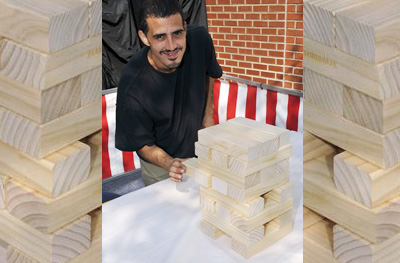
Giant Jenga
Adds a group-game area to test against seating and circulation on the plan.
Ask us to confirm fit and availability for your event.
Chocolate Fountain
Brings food-service placement and venue requirements into the comparison.
Ask us to confirm fit and availability for your event.
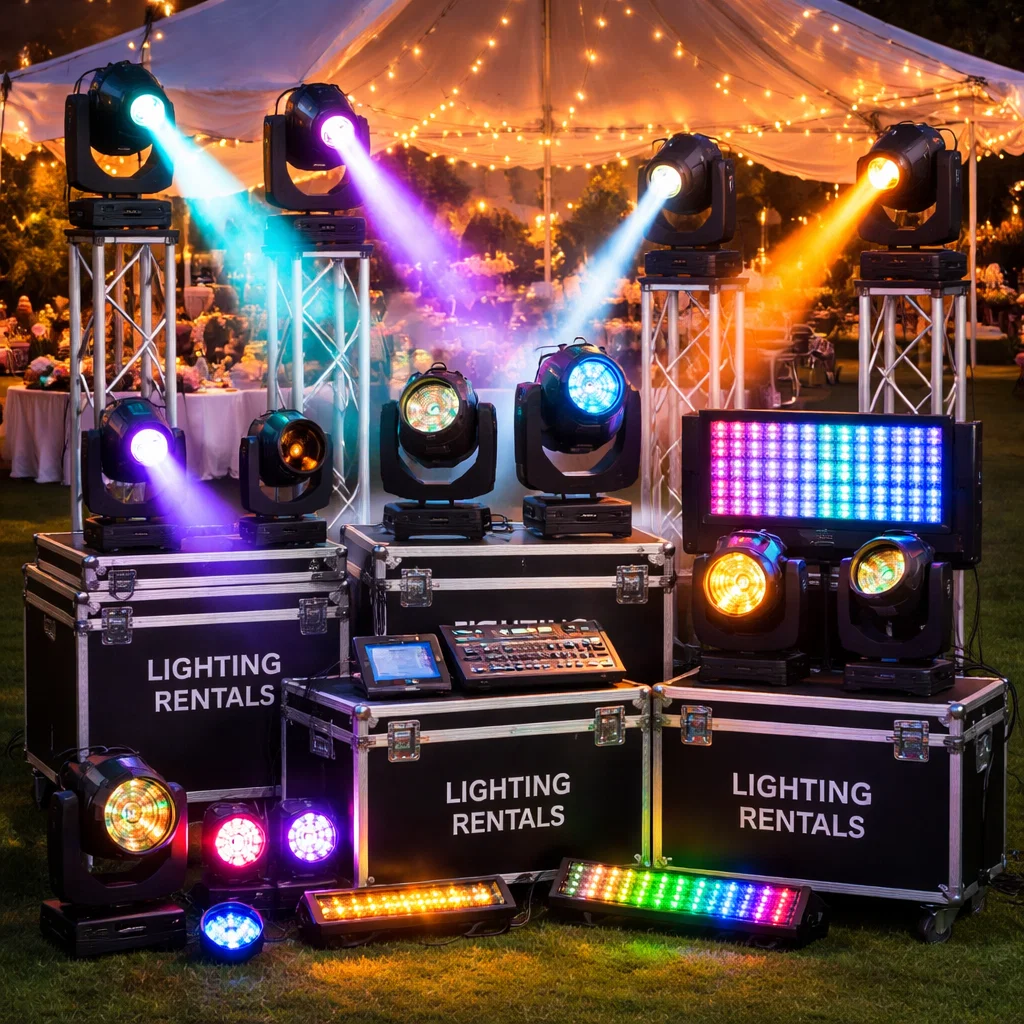
P.A. System for Events
Adds an announcement or presentation requirement to review if amplification is not already supplied.
Ask us to confirm fit and availability for your event.
A few helpful answers
Should we choose the venue or the rentals first?
Develop a short rental shortlist while comparing venues, then confirm the equipment and location together before committing to the final plan.
Can we judge fit from the advertised room capacity?
Room capacity does not establish whether your dining layout, activities, queues, and equipment access all work. Review the actual plan with the venue and provider.
What should we send after the walkthrough?
Send the two floor plans, route photos, requested measurements, access windows, equipment shortlist, and unresolved questions so the rental team can compare the options.
Let’s build your event.
Tell us where, when and who is coming. We’ll help match the entertainment to your space, schedule and guests.
Planning guide by Party Pros East Coast. Photos show items from our catalog. Examples are suggested plans; equipment, service details and availability depend on your event. More planning guides.